Tour
In
Out
Hours
 GuideKeep
How it works · 7 steps, one booking
One booking, seven steps — from the moment it lands in your dashboard to the moment your guide gets paid.

Step 01 · Bookings
Bookings from your reservation systems come into one GuideKeep dashboard.
Guest details and tour information are collected in one place.

Step 02 · Scheduling
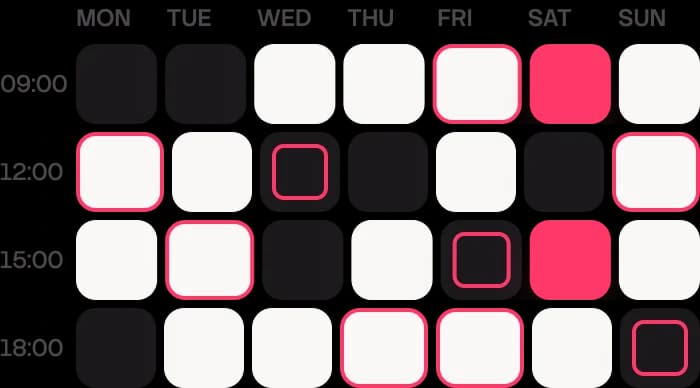
Enter guide availability and schedule tours yourself — or let guides submit their own availability.
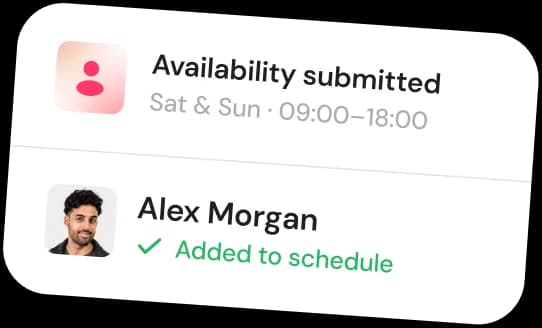
Guides who share more availability can be considered for more tours.
Step 03 · Assignment
AI finds the best available guide for each tour.
Assign guides yourself or let AI assign them for you.


Step 04 · Status
Follow each booking from draft to published.
See whether the guide has confirmed the booking.
01
Draft
Booking received
02
Published
Visible in schedule
03
Sent to guide
Alex notified
04
Acknowledged
Seen 14:02
✓
Confirmed
Guide accepted

Step 05 · Messages
Send tour reminders and updates to guests and guides.
Use supported channels such as SMS, email, or WhatsApp.
Hi Karen! Reminder: Old Town walk tomorrow at 10:00. Meet at the fountain, Plaza Mayor.
Sent · 18:00 day beforeYour guide is Alex. He'll be in a red GuideKeep jacket.
Sent · 09:15Booking confirmed – Old Town walk, Sat 10:00, 6 guests. Tickets attached.
Sent · on bookingHow was your tour? Leave a review in one tap.
Scheduled · +2 h afterNew tour assigned: Old Town walk · Sat 10:00 · 6 guests. Tap to confirm.
Sent · 14:00Step 06 · Hours
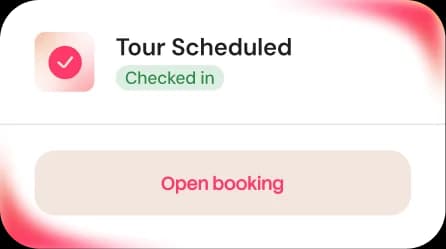
Guides clock in and out for their tours.
Edit clock-in entries and add notes.
Review hours and completed tours.
Step 07 · Payroll
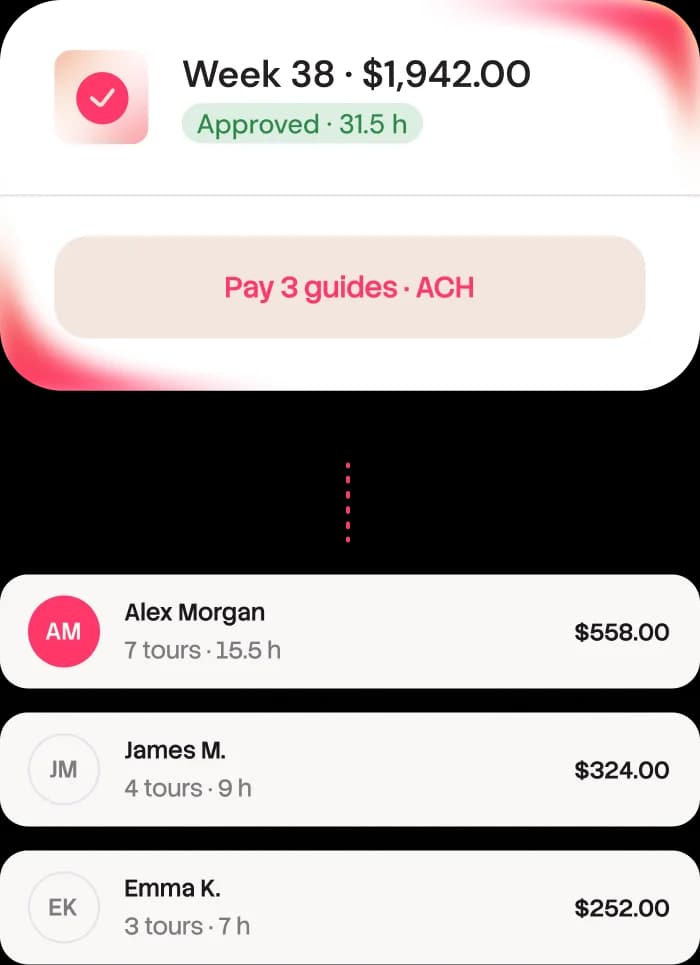
Approve hours and completed tours before payroll.
Pay guides directly to their bank accounts by ACH.
Guides can manage expenses and track their benefits in their own dashboard.




No setup fee. Cancel anytime. Get personalized onboarding and direct access to the owner. Let’s get your tour business running smoothly.